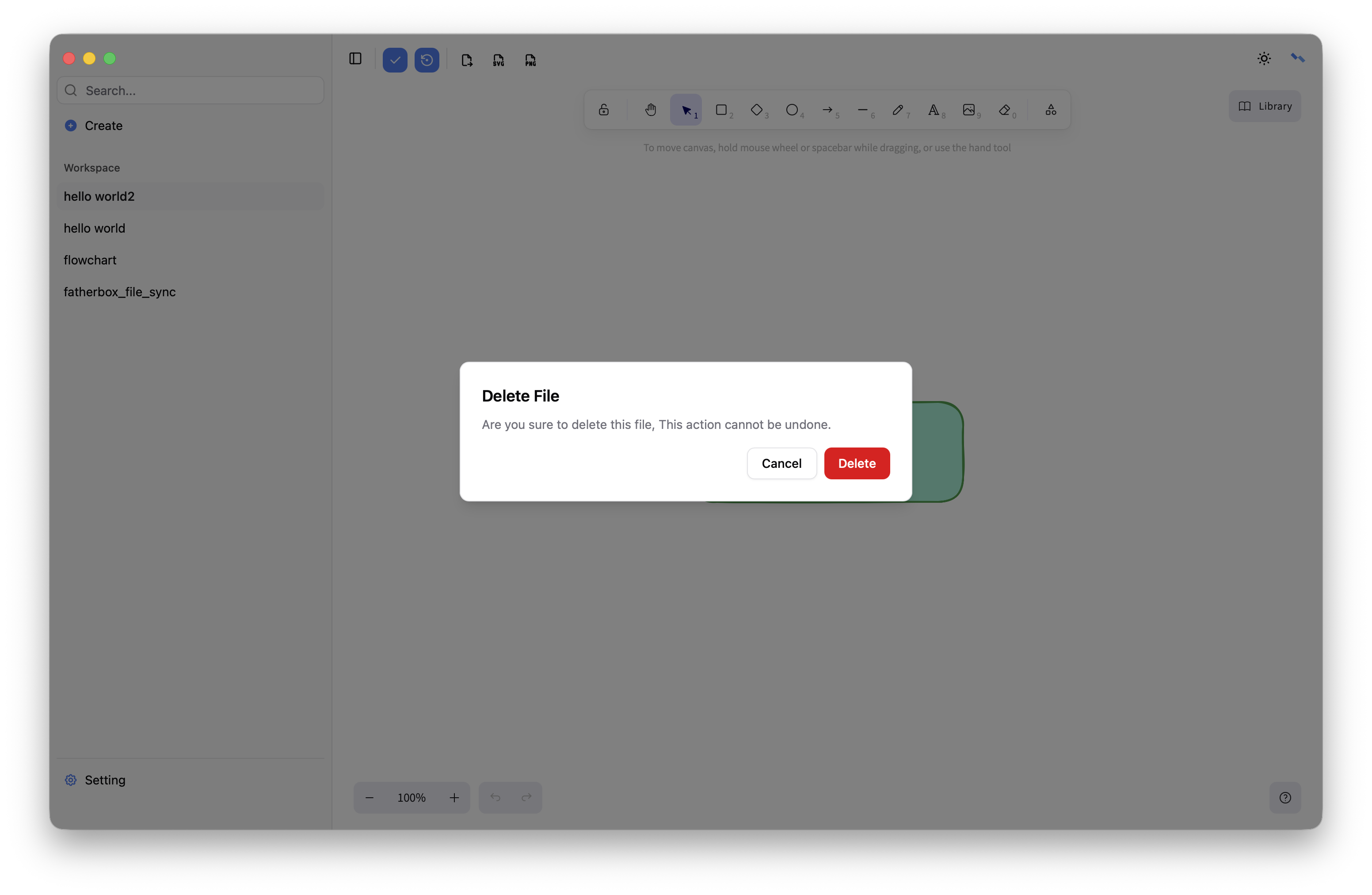
List
Displays a list of available files with options for selection and actions.
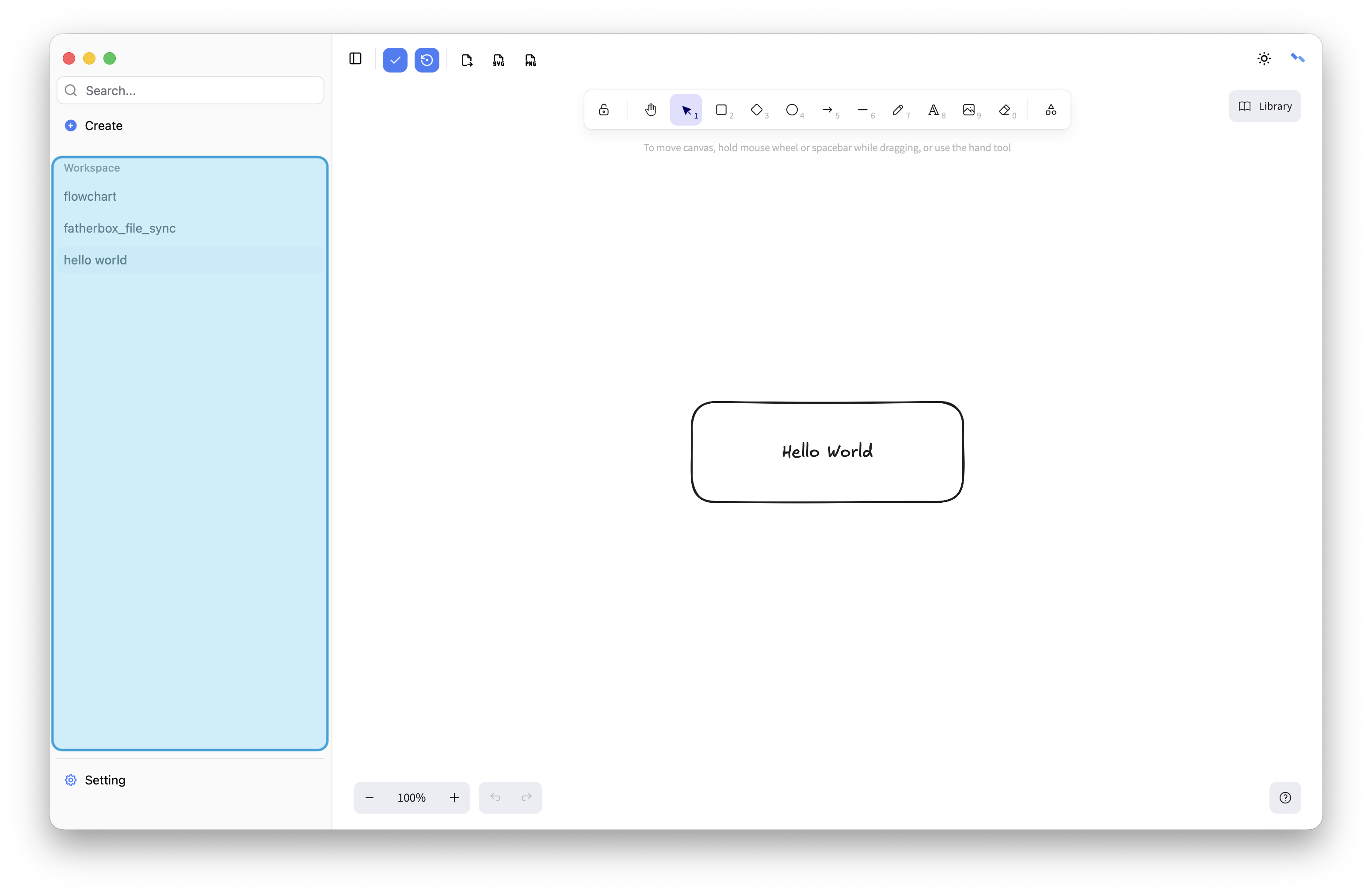
Select
Click a file to select it; its content will appear in the main area for editing and saving. The last opened file is selected by default.
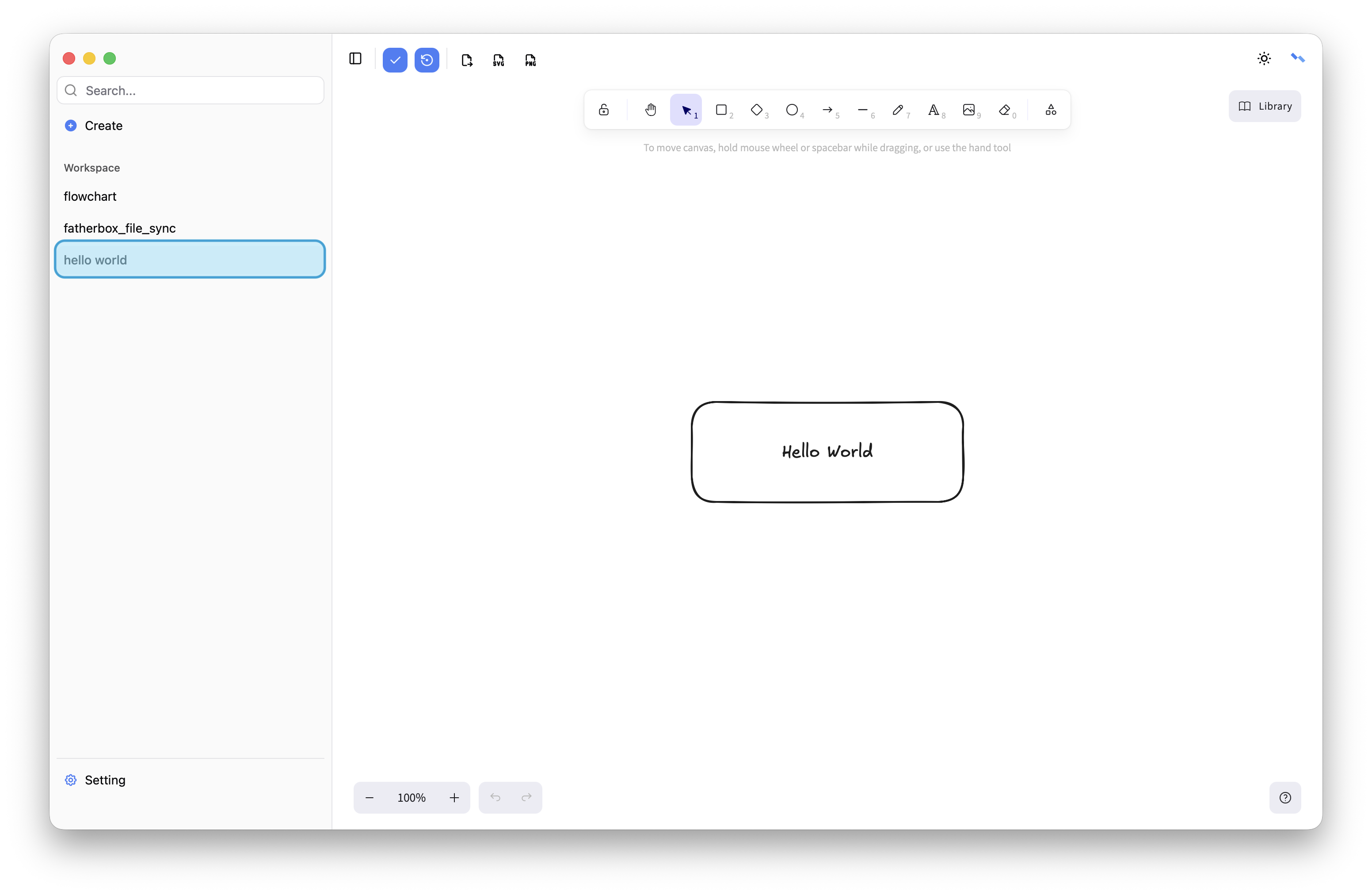
Operation
Hover over a file and click the “…” button on the right to access additional actions from the menu.
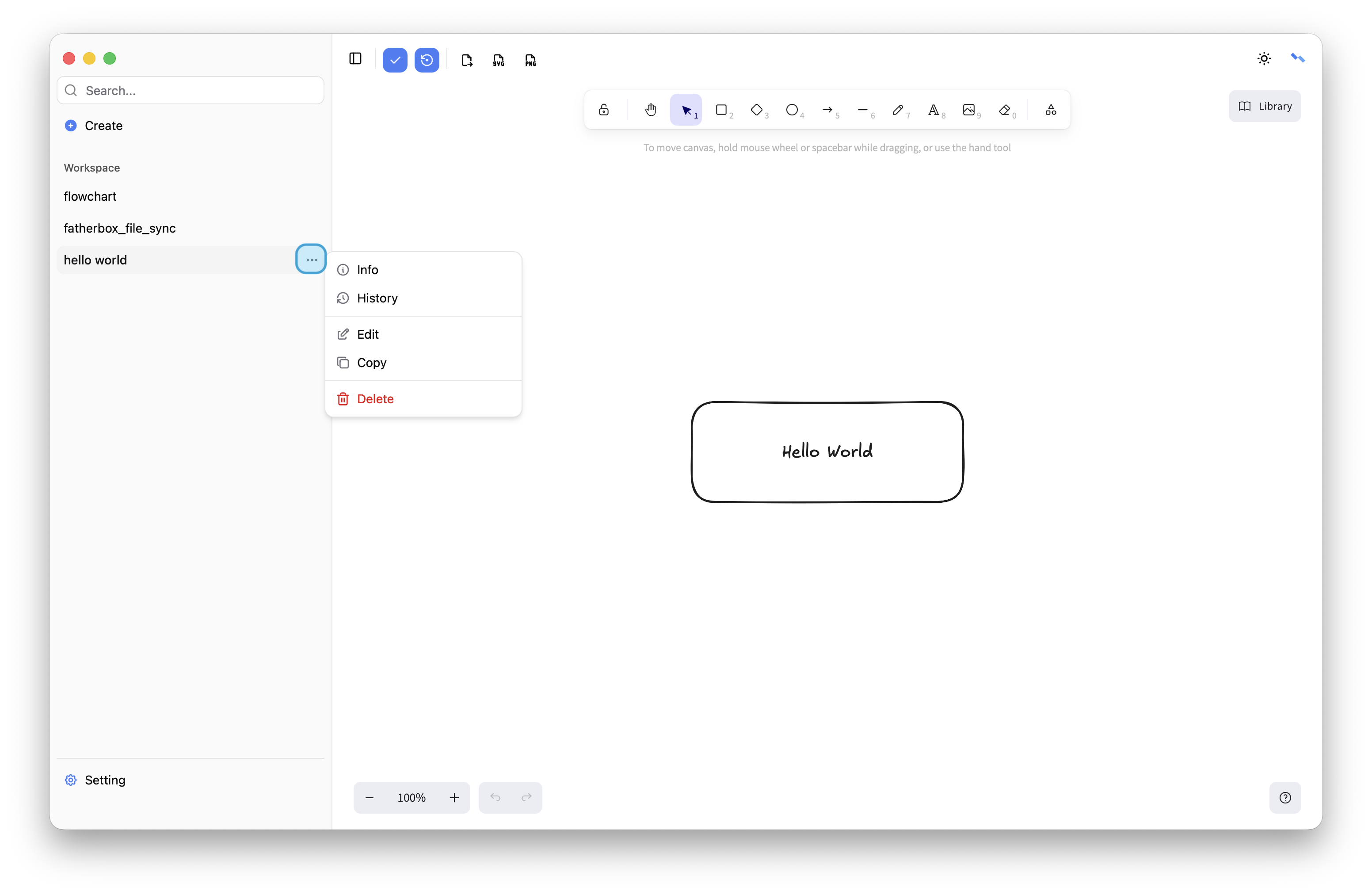
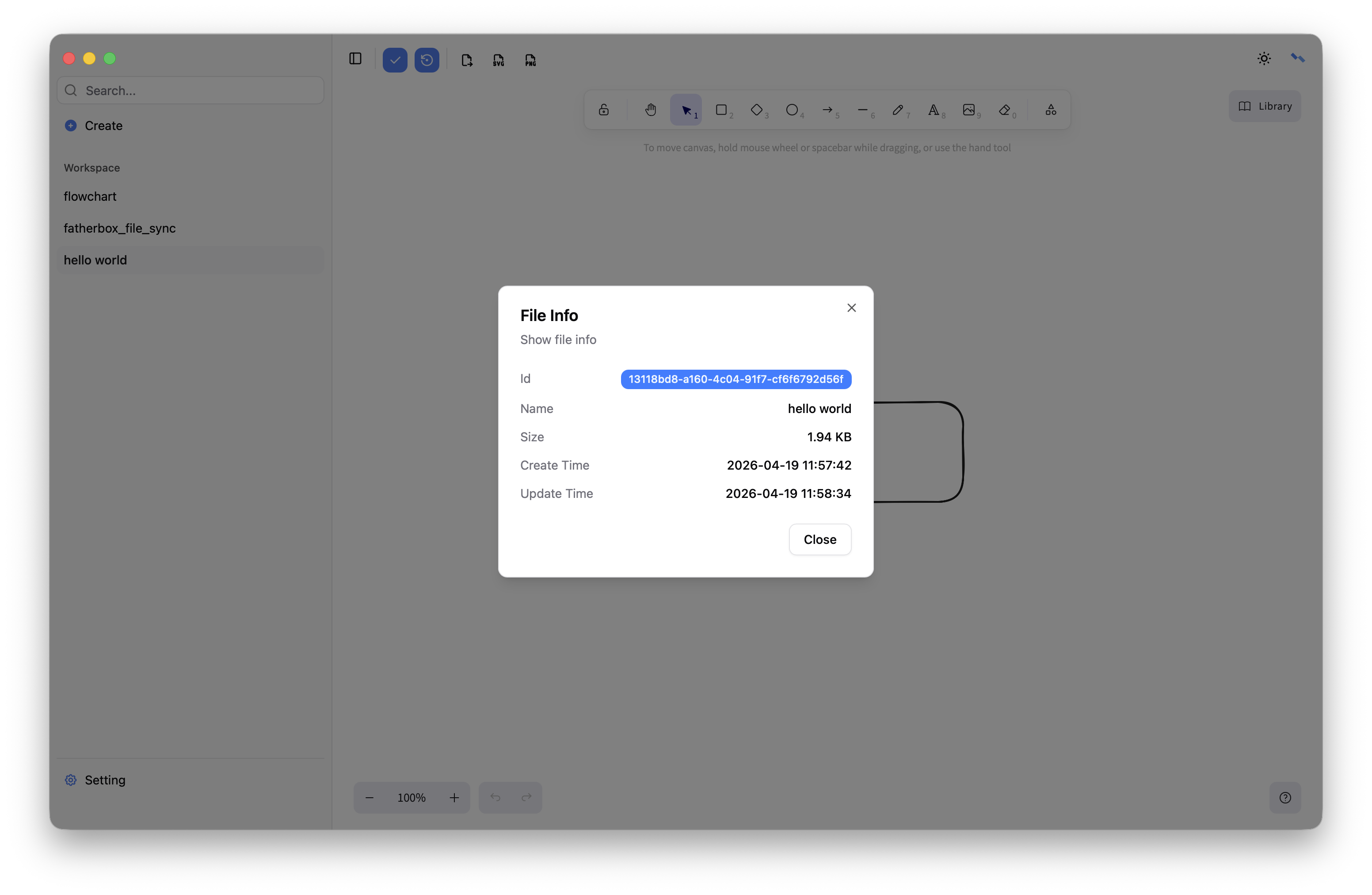
Info
Show base info,includes id、 name、size、create time and update time.
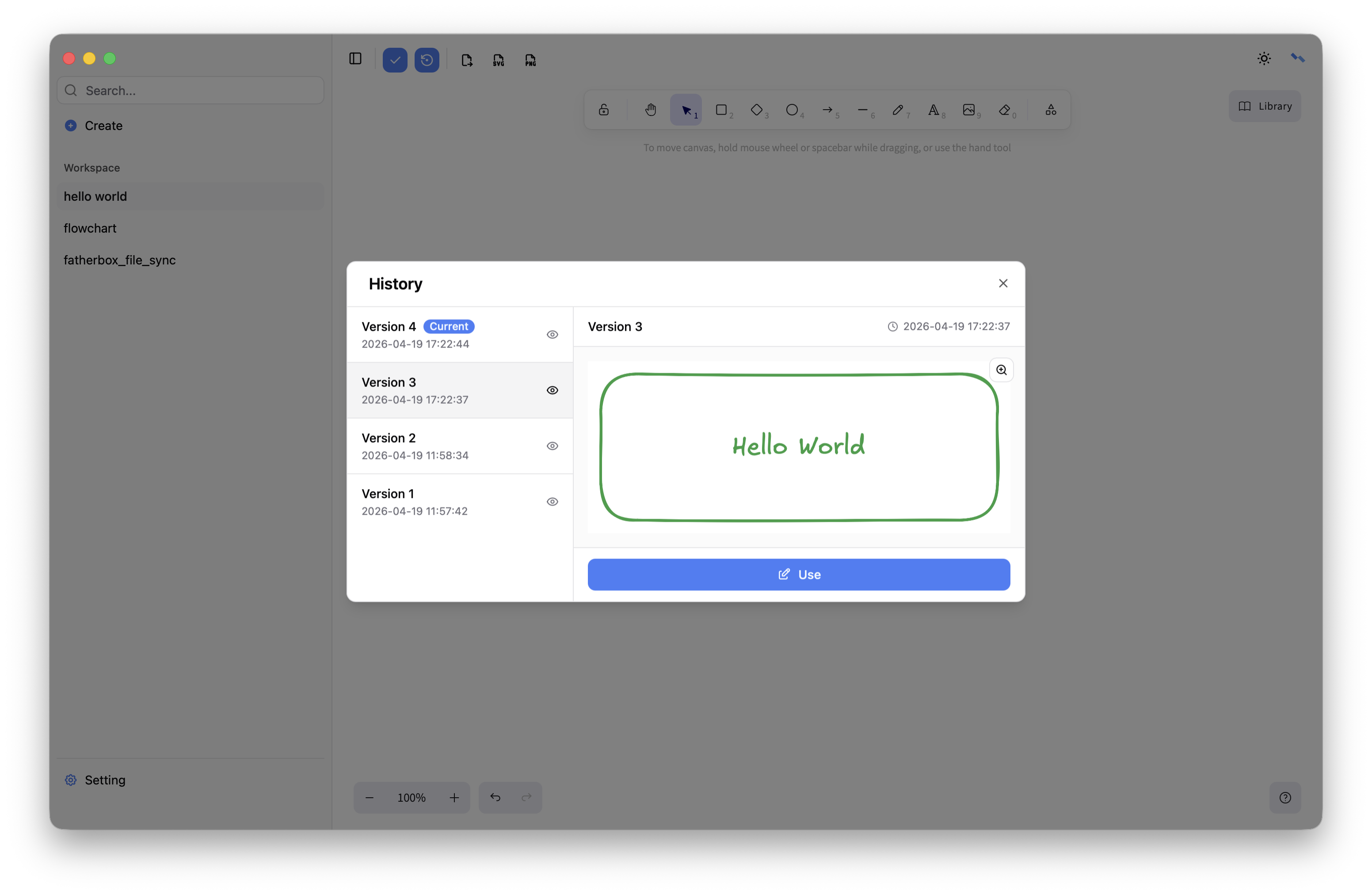
History
Show file versions, you can use old versions.
Edit
Edit file name.
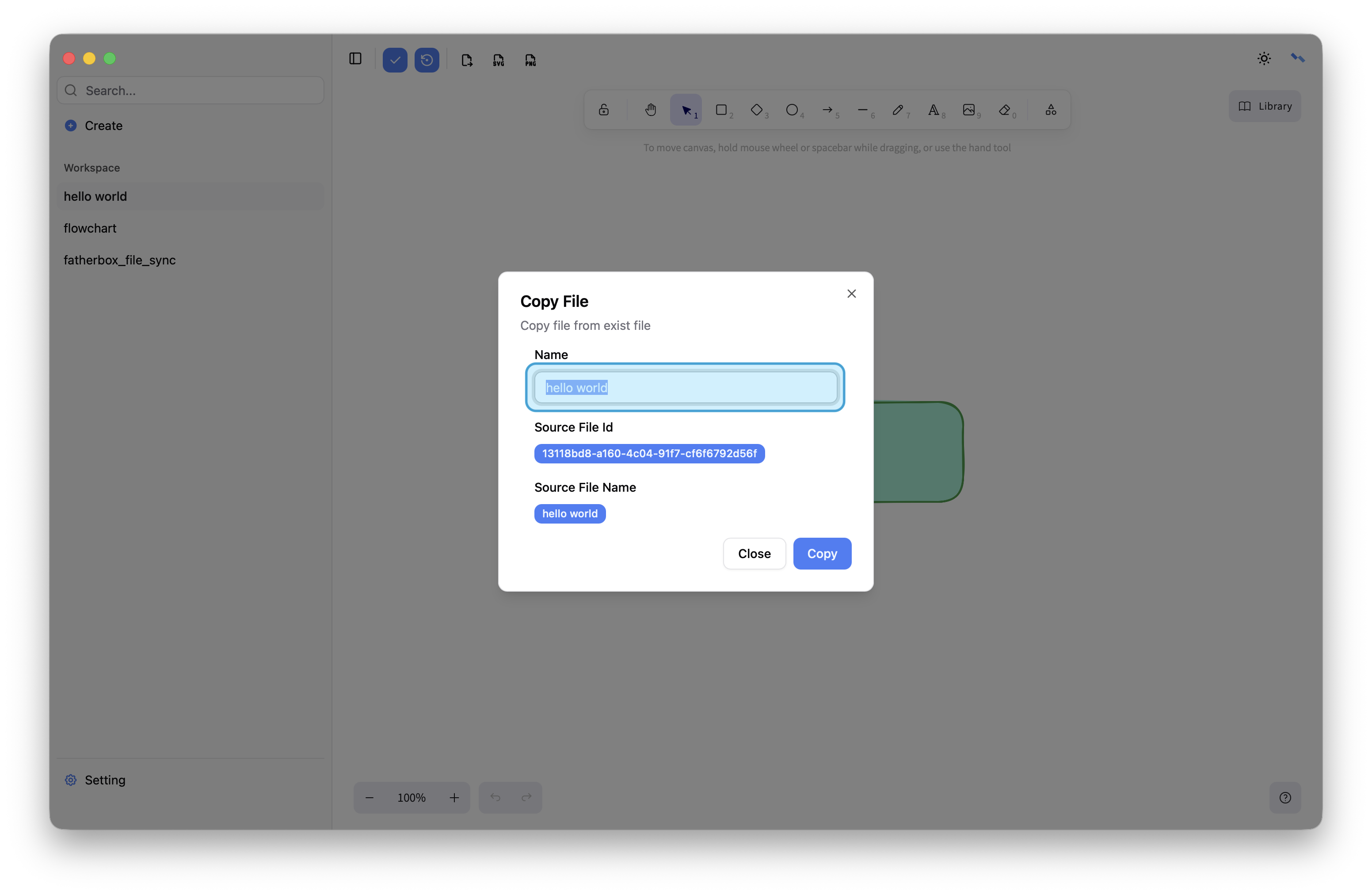
Copy
Copy file from exist file.
Delete
Delete file. This action cannot be undone.